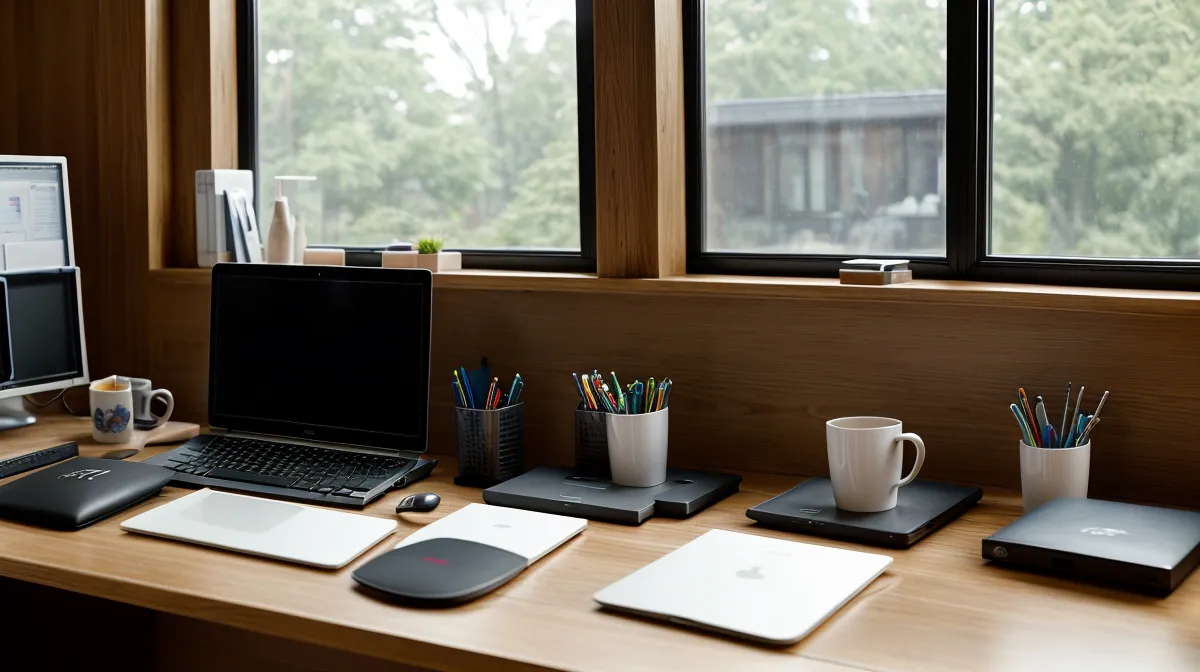
Two hundred lines into a pull request and the thread hasn't slipped once — the authentication logic from line one is still sitting in working memory by the last commit, no scrolling back up to remember what a helper function does. That's the baseline I check my own cognitive health against these days: can web development still feel automatic during a normal remote work day, or is it starting to feel like decoding a language I used to know. It's basically productivity tracking, just aimed inward instead of at a sprint board.
The honest answer is that brain fatigue rarely announces itself as tiredness. It shows up as small, specific tells days before a deadline actually gets missed, and the fix isn't more willpower — it's learning to read those tells before they cost you a client relationship. That's the actual subject here: not another routine to try, but the specific signals worth tracking, plus a rule for when to stop pretending you can push through them.
The Cognitive Health Signals That Show Up Before the Crash
Screen sensitivity is usually the first tell. On a normal day, the monitor's just a tool. On a fatigue day, the blue light coming off it starts to feel almost loud, like it's asking more of your eyes than they've got left to give. If that hits before lunch, that's not "tired of looking at code" — that's the first log entry worth writing down.

Jaw tension is the next one, especially on video calls. Catching myself clenching through a client's feature request is the same signal as the screen glare, just showing up somewhere else in the body. The two tend to cluster on the same afternoon — glare in the morning, a tight jaw by the call everyone privately calls 2pm Zoom fog — and once you notice the pattern, it stops feeling random.
Small environmental fixes actually help here. I've found real value in adjusting desk lighting to reduce eye strain and brain fatigue before the jaw tension even shows up — preventing the first tell is a lot easier than arguing yourself out of the third one.
Is It Fatigue, or Just a Slow Morning?
There's a real difference between brain fog and just not wanting to do the task, and the two split cleanly if you're watching closely. A motivation problem responds to a five-minute head start — once you're inside the function, you're fine. Genuine fatigue doesn't respond to that trick at all. You can force the first five minutes and still be on the same line by minute six.
Decision fatigue is the other tell worth naming directly. Web development runs on hundreds of small choices an hour — variable names, which library to reach for, three different ways to structure one function — and on a bad day, a choice that should take ten seconds turns into thirty minutes of circling the same two options. Most of that isn't a discipline problem. It's cognitive load piling up around things that have nothing to do with the actual decision, usually a browser full of tabs eating the same bandwidth the real choice needs.
Honestly, irritability is the last of the reliable signals, and it's the one people mistake for someone else's fault. A pull request comment that wouldn't normally register suddenly feels personal, or a Slack notification lands like an interruption instead of routine noise. That's not a coworker being difficult. That's patience running low along with everything else — and it's usually the clearest sign to close the laptop instead of pushing through one more task.
Track the Pattern Before You Trust the Feeling
Here's the part that goes against most productivity advice: frequent five-minute breaks can make fatigue worse, not better, at least for deep, single-threaded work like coding. Every time you break to check a phone or grab a snack, you force a context switch, and reloading a project's logic afterward tends to cost more energy than just staying in the zone would have.
That reload tax is exactly what people mean by context-switching cost, and it applies whether the interruption is a Slack ping or an actual meeting. I've tried to force my way around it the wrong way before — running three different Pomodoro timer apps at once, convinced more structure would fix it, and still ending up watching YouTube in the gap between sessions. Stacking tools doesn't solve a context-switching problem. It just adds another tab to switch to.
What actually worked was less clever: a fixed block length and a dedicated deep-work zone I don't use for anything else, so my brain isn't re-deciding what mode it's in every time I sit down. Certain environmental cues end up functioning as flow-state triggers almost by accident. For me it's less about the desk and more about what I hear — a leaf blower a few houses down cutting straight through noise-canceling headphones mid-morning is still, annoyingly, more disruptive than any Slack notification.

Phone off the desk is the other non-negotiable. When I need to block outside noise without adding one more decision to the day, something consistent works better than hunting through a playlist — I'll sometimes use The Brain Song to block out home office noise instead, just so the environment stays steady rather than becoming its own tiny context switch.
When to Actually Log Off From Remote Work
Before testing anything new — a different block schedule, a supplement, a new chair — it's worth logging a baseline of what a normal, non-fatigued day actually looks like for you. Without that comparison point, every change looks like it's working. Supplement timing matters more than most ingredient lists suggest, since the same dose taken at the wrong point in the day does close to nothing, and the actual mechanisms behind most of those ingredients are a deep enough topic to deserve more than a paragraph here.
Not everyone needs this much tracking to stay consistent. My friend Devraj, a former coworker from an old in-office job, converts his van into a mobile office for three months every year and still makes every standup on time — no elaborate system required. For the rest of us, the pattern-watching is the system.
The actual rule I use now: if two of these signals show up in the same day — screen sensitivity, decision paralysis, rereading a message without absorbing it, irritability at a routine comment — that's the point to stop, not push through. Waiting for a third one usually means the deadline's already at risk. Not more willpower. A rule.
None of this needs a lab coat, a wearable tracking every heartbeat, or a Notion dashboard with more columns than actual work in it. It just needs noticing your own patterns closely enough to catch them before a client does.